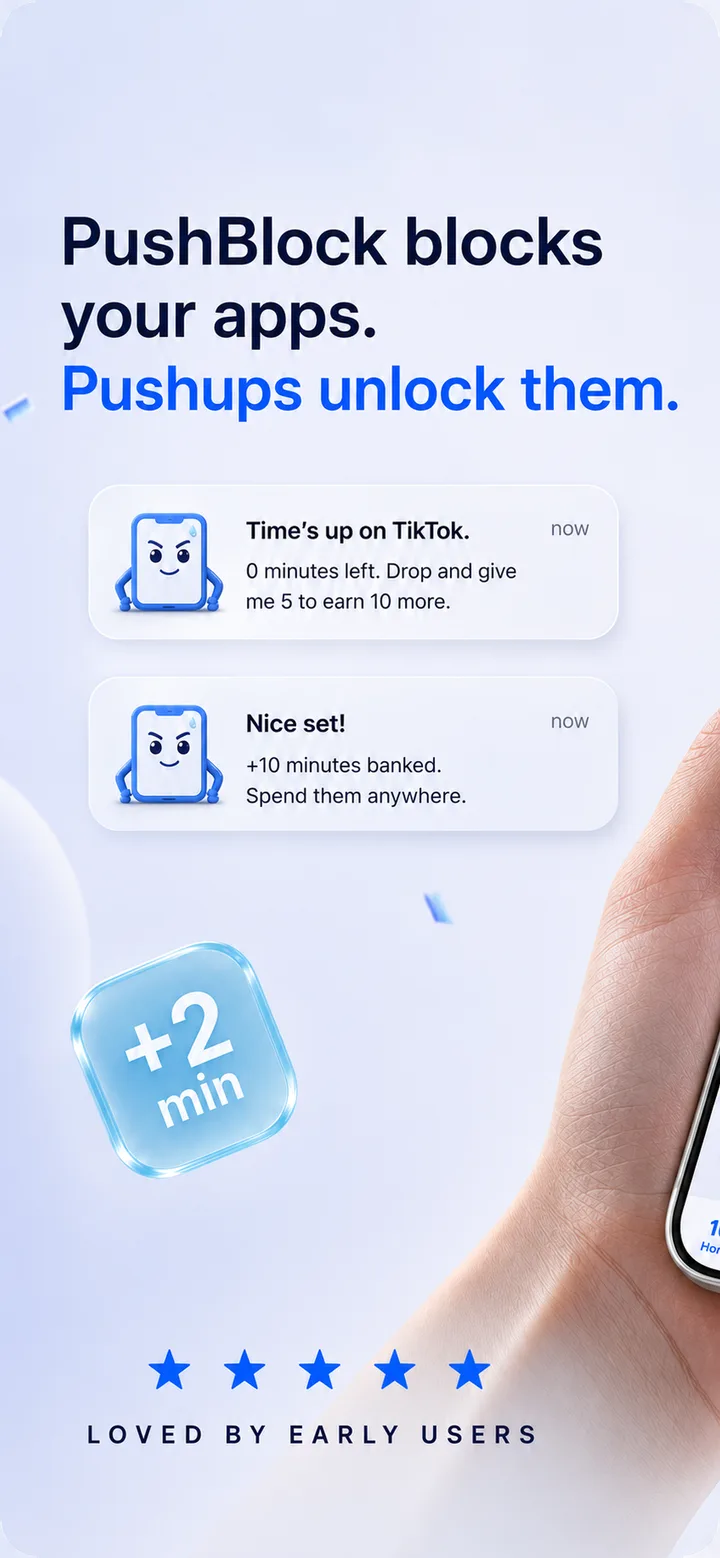
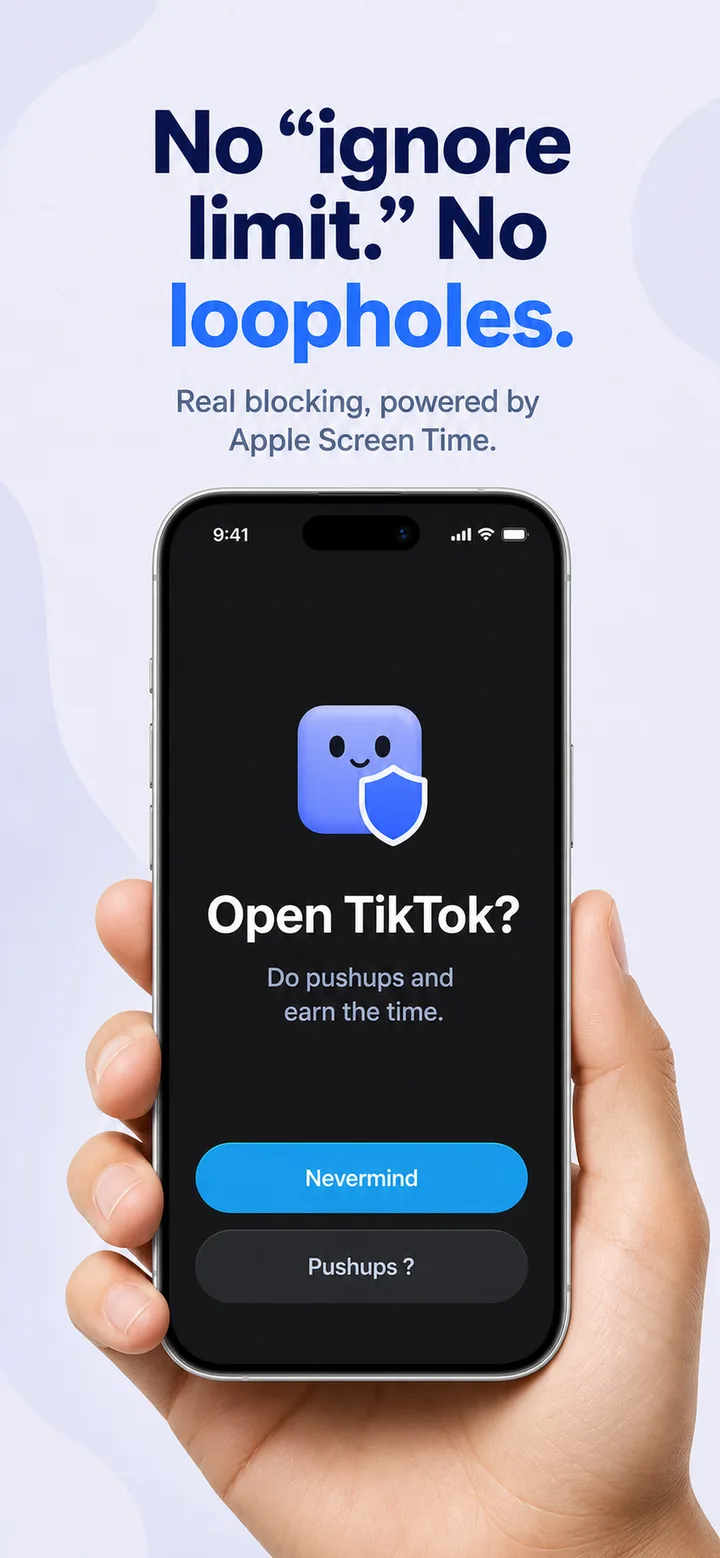
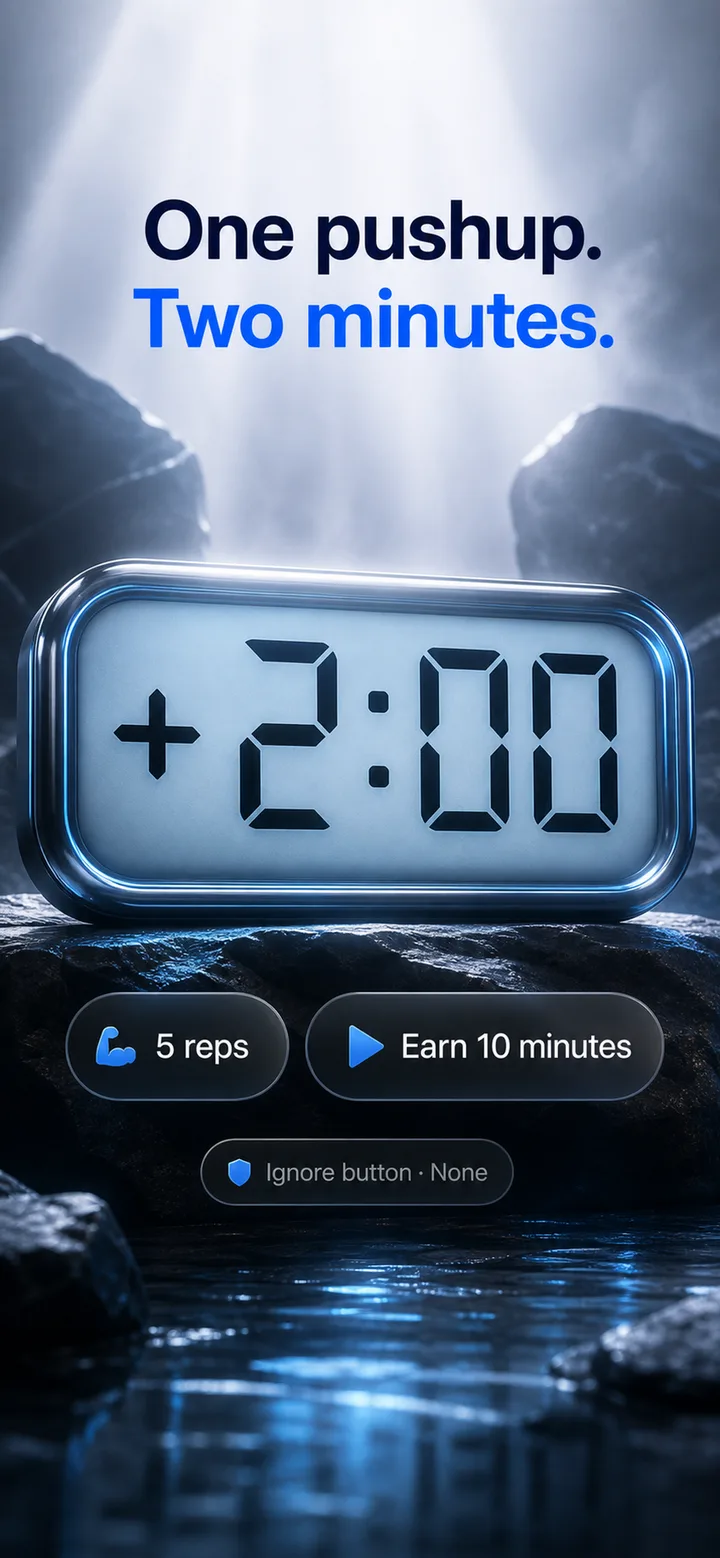
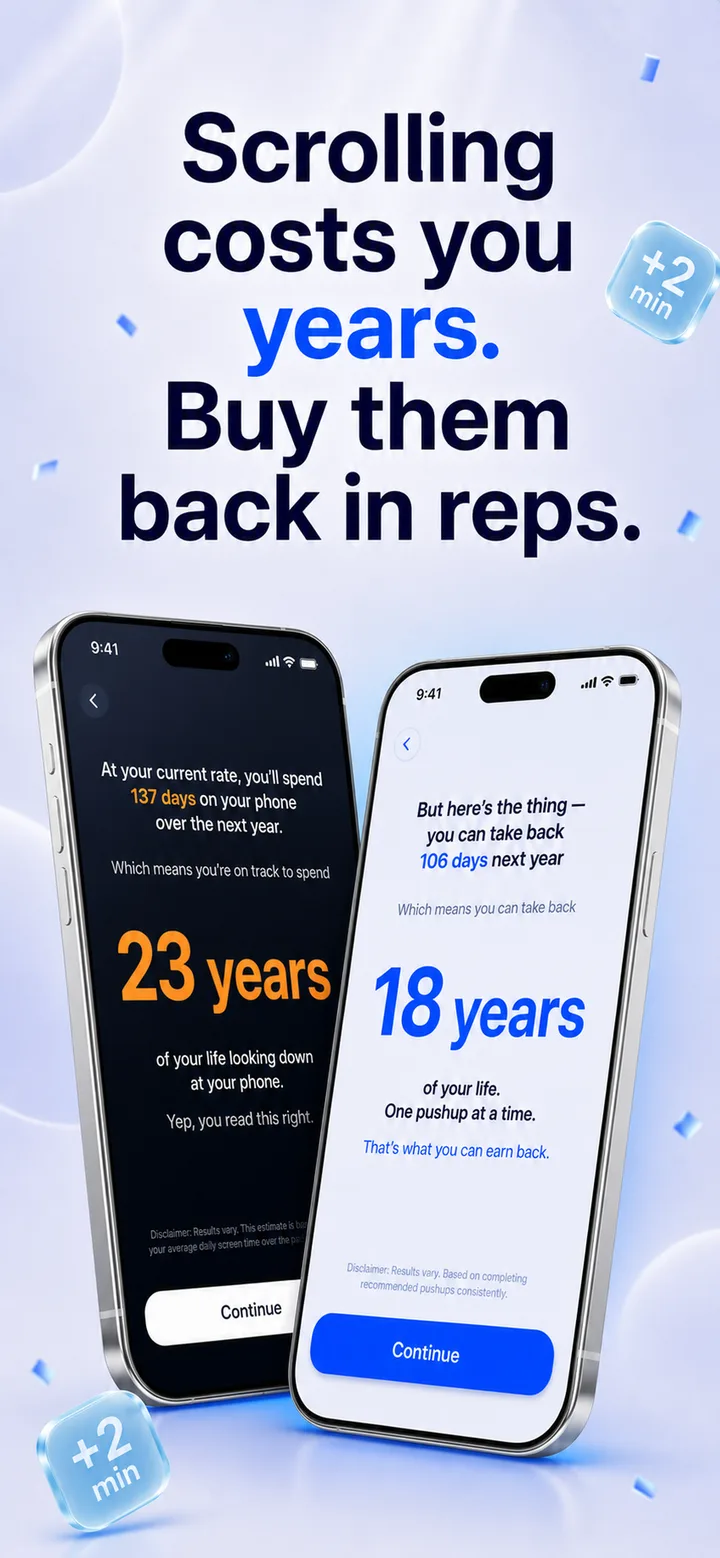
PushBlock shields TikTok, Instagram & YouTube with Apple Screen Time. No ignore button, no loopholes — your camera counts pushups and every rep earns you 2 minutes back.
PushBlock is in App Store review and launches in July 2026.
Inside the app
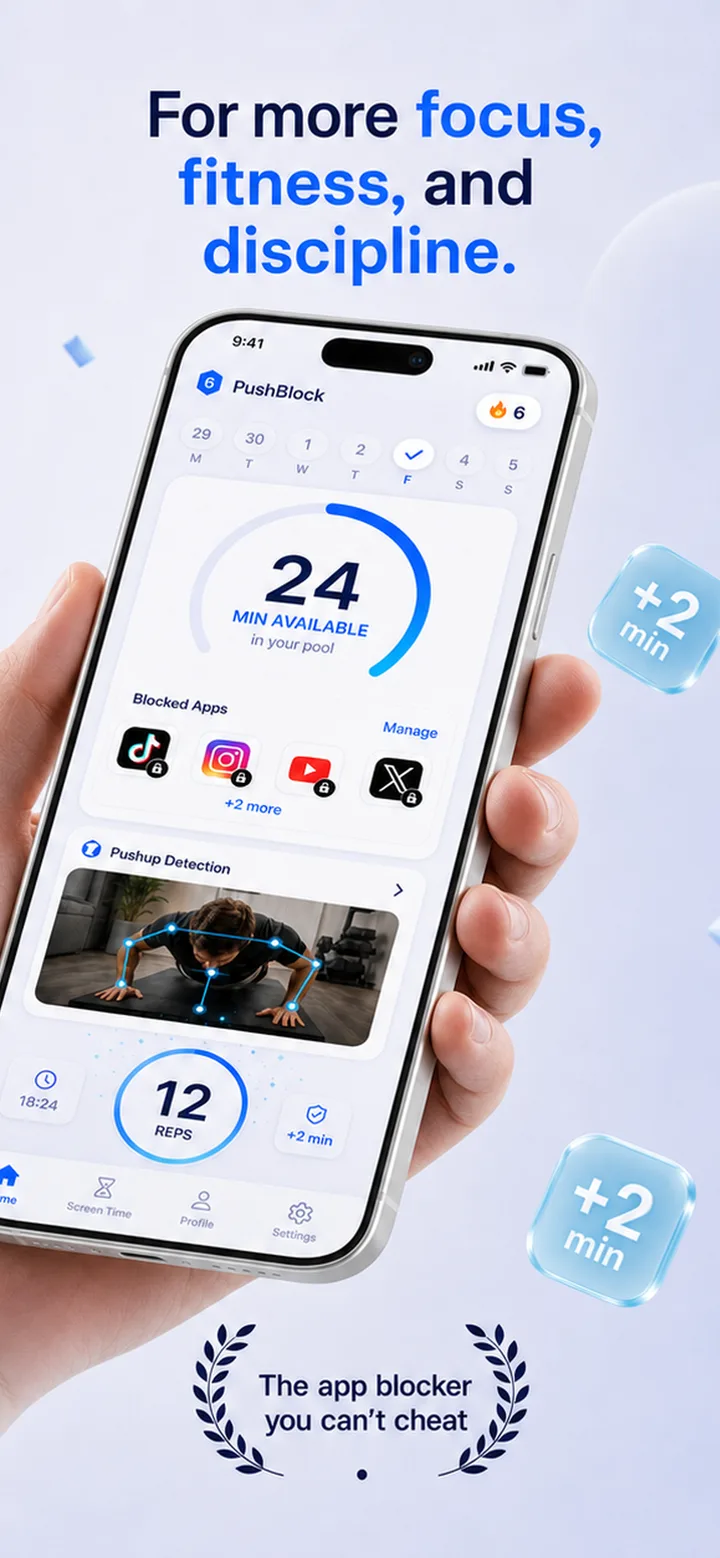
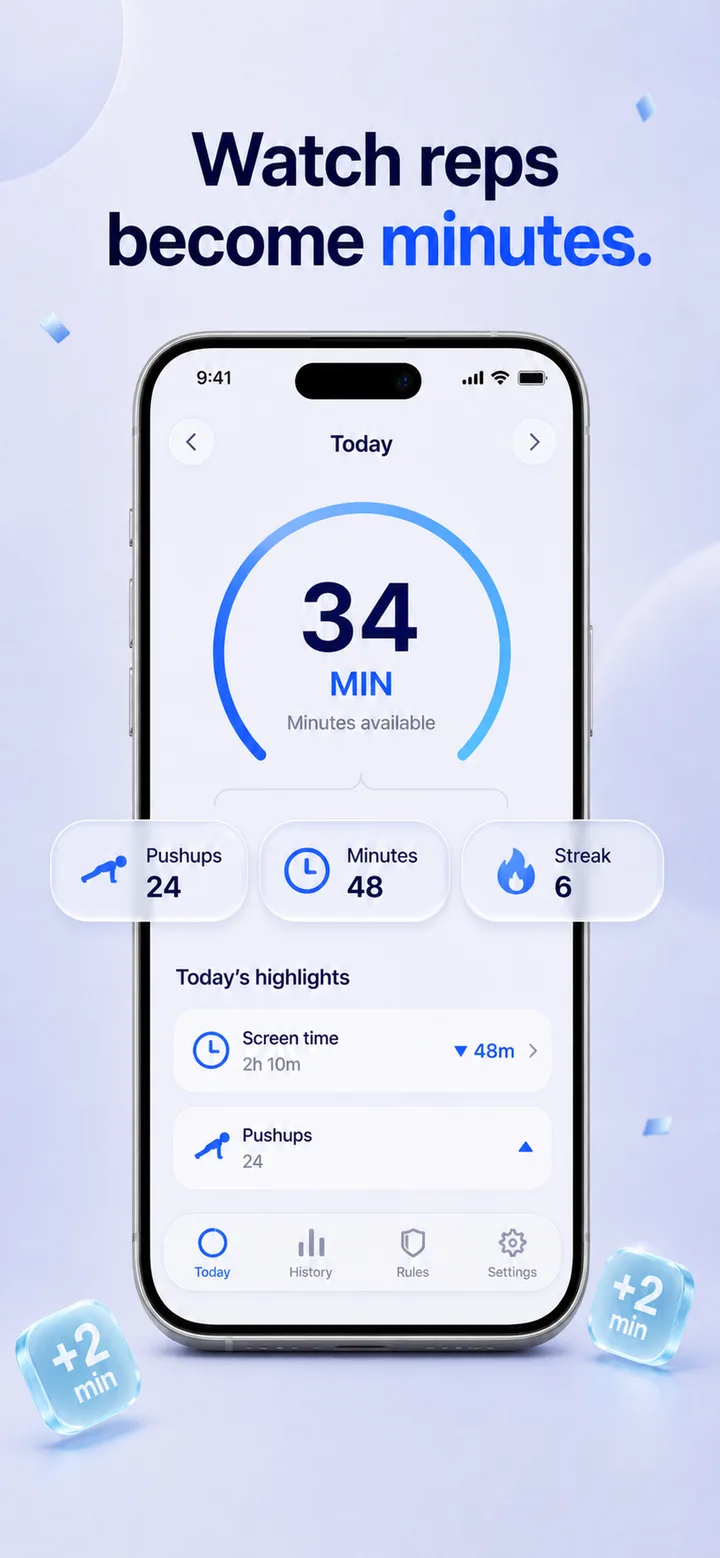
Real blocking powered by Apple Screen Time, a camera that counts every rep, and a minute wallet you fill with pushups.


The problem
Not because you lack willpower. Because every tool you’ve used was designed to be easy to ignore. And your brain knows it.
“I tried screen time limits but cmon, we all know how that goes. You just tap ignore and keep scrolling.”
Reddit r/nosurf
“Every single blocker I tried had a way to bypass it. There is no idiot-proof app. You will always be able to manually turn them off.”
Reddit r/nosurf
The loop you’re stuck in
What it’s costing you
The apps aren’t broken. They’re designed to be polite.
Your brain exploits that politeness every single time.
You don’t need another limit. You need something that doesn’t negotiate.
How it works
PushBlock blocks the apps you choose. The only way through is a pushup. 1 pushup = 2 minutes. AI pose detection counts them. You can’t fake it.
Early results
“Reduced my screen time by 70%. And I’ve done more pushups in 3 weeks than in the last 2 years.”
Beta Tester
“Week 4 and I didn’t want the chaos anymore. It felt like I got my brain back.”
Beta Tester
Guides
Practical, no-fluff guides on blocking apps, ending doomscrolling, and earning your screen time back with exercise.
FAQ
PushBlock is an iPhone app blocker that shields distracting apps with Apple Screen Time. To open a blocked app you do pushups in front of your camera — on-device AI counts each rep, and every pushup earns 2 minutes of screen time.
Learn more →Most blockers have an ignore or snooze button, so your brain learns to tap through them. PushBlock is built on Apple's Screen Time engine and has no ignore button at all — the only way past the shield is physical effort.
Learn more →With PushBlock, every camera-verified pushup earns 2 minutes of app time. Earned minutes bank into a daily pool you spend on the apps you chose to block — a hard cap that turns doomscroll urges into workouts.
Learn more →Apple's built-in Screen Time always shows an Ignore Limit button, and there is no setting to remove it. The fix is a blocker that replaces the button with a real gate — PushBlock swaps “tap ignore” for “do a pushup.”
Learn more →Deleting TikTok rarely lasts, and Screen Time limits are one tap to ignore. PushBlock keeps TikTok installed but shields it until you pay for entry with pushups, so opening it always costs real effort.
Learn more →Opal and one sec add friction; PushBlock adds enforcement. If you've breezed past gentle reminders and breathing pauses, a blocker that demands physical reps is the next step up.
Learn more →Both count exercise with your camera, but PushBlock adds real enforcement: Screen-Time-level blocking with no loopholes, plus a banked-minute wallet with a minimum floor so you can't nickel-and-dime your way in.
Learn more →No. Pushup detection runs entirely on your device with Apple's Vision framework. Camera frames are processed in real time to count reps and immediately discarded — nothing is stored, uploaded, or shared.
PushBlock is in App Store review and launches in July 2026. It's free to download with a free trial, and a subscription unlocks full blocking.
Block the apps that steal your day. Earn them back in reps.
PushBlock is in App Store review and launches in July 2026.